Features
Integrations for Attack Surface Management
Security works best when it's embedded in your existing workflows. Connect the Attack Surface Center with your cloud providers, code repositories, and team communication tools to reduce context switching and keep your asset inventory current automatically.
Centralised Visibility with our Integrations
Security works best when it's embedded with your existing workflows. Integrate with popular tools and services like Slack, AWS, and GitHub Advanced Security.
Our integrations pull in asset data automatically, so your inventory stays current without manual effort. Vulnerability alerts sync directly into your team's communication channels, keeping everyone informed without needing to log into a separate platform.
Integrations are available on Standard plans and above. See the pricing page for a full feature comparison and roadmap for upcoming integrations.
AWS Integration
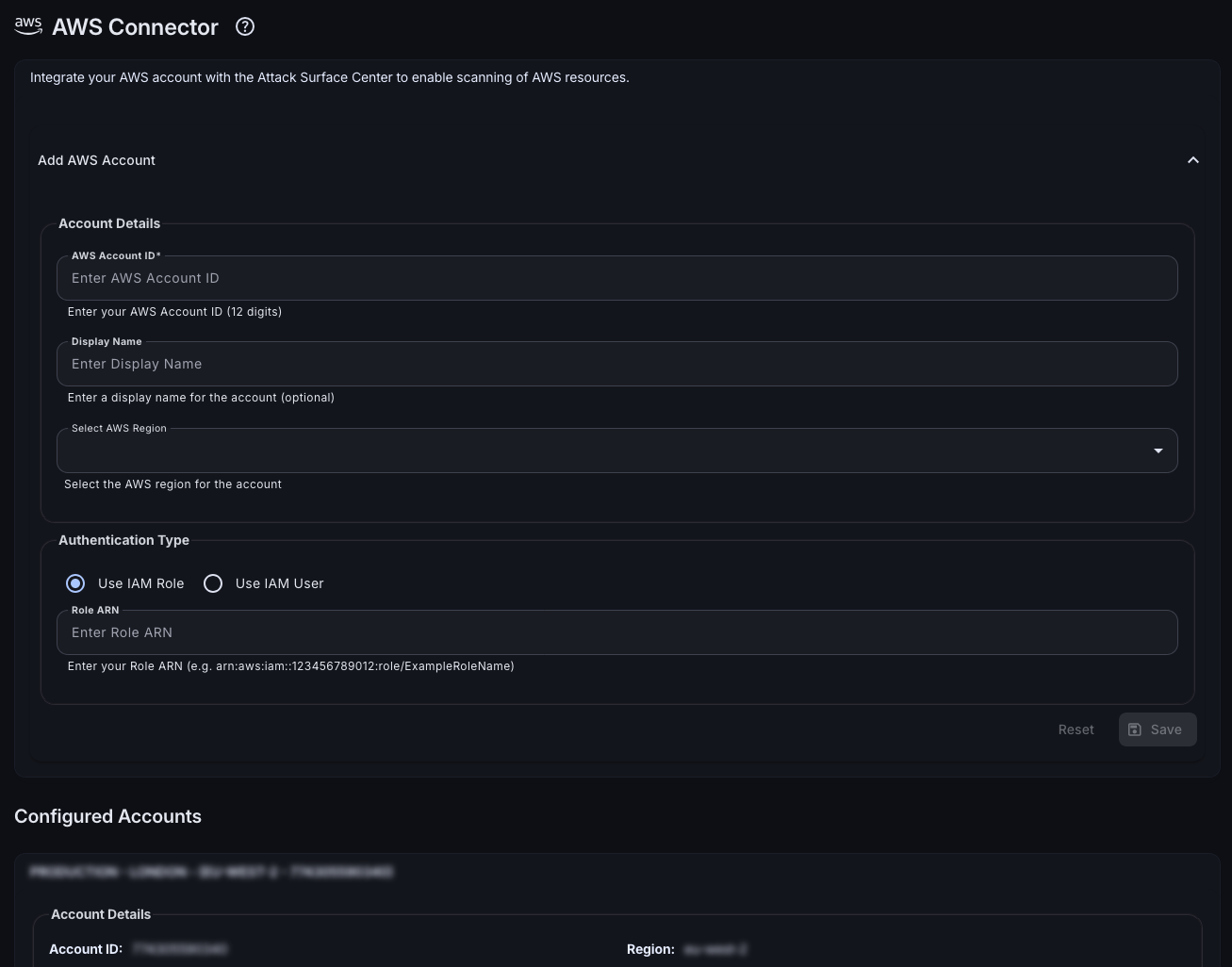
Connect your AWS account to automatically sync cloud resources to the Attack Surface Center. EC2 instances, S3 buckets, RDS databases, Lambda functions, Elastic IPs are all imported and kept current through automatic polling, so your asset inventory reflects your live cloud environment.
- Broad resource coverage: Import EC2 instances, S3 buckets, RDS instances, Elastic IPs, Lambda functions, and more to cover the AWS resource types most relevant to your attack surface.
- Multi-account and multi-region: Configure multiple AWS accounts and regions to centralise visibility across your entire cloud estate, not just a single account.
- Automatic polling: The integration polls your AWS environment on a regular schedule, so new resources appear in your inventory without manual intervention.
- Minimal permissions: Authentication uses role-based access control with read-only permissions. No write access to your AWS environment is required.
GitHub Integration
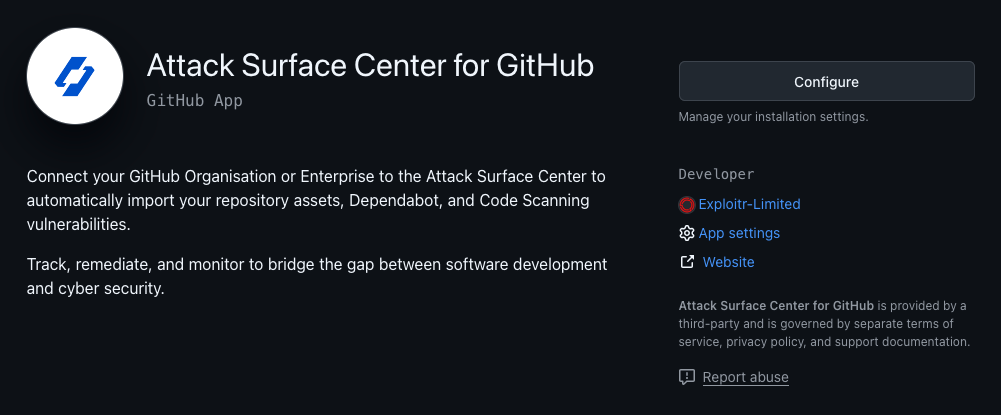
If you use GitHub Advanced Security or Dependabot, connect your repositories to manage code vulnerabilities alongside your infrastructure findings all in one place. Repository assets are imported automatically, and security alerts sync directly into your vulnerability workflow.
- Repository asset import: Your GitHub repositories are automatically imported as assets, letting you manage them alongside your other organisational infrastructure.
- Dependabot and GHAS alert sync: Dependabot alerts and GitHub Advanced Security findings are synchronised into the Attack Surface Center, so code vulnerabilities sit alongside network and application findings.
- Unified remediation workflow: Manage code vulnerability status and track remediation progress through the same workflow you use for all other vulnerability types.
- Minimal permissions: The integration requires only the minimum permissions needed to read repository and security alert data.
Cloudflare Integration
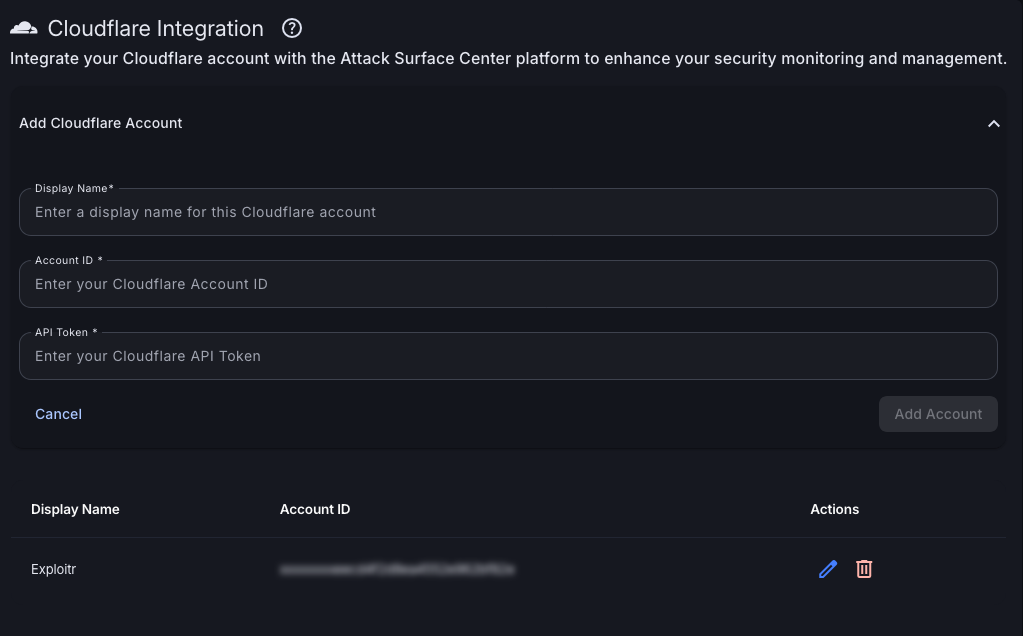
Connect your Cloudflare account to automatically sync DNS records and surface assets from your Cloudflare-managed zones. Assets are created with relevant tags and immediately available for scanning and mapping.
- DNS record sync: Automatically import assets from your Cloudflare DNS zones, keeping your inventory aligned with your live DNS configuration.
- Tagged asset creation: Imported assets are tagged with their Cloudflare source, making it easy to filter and manage your CDN-fronted assets separately.
- Attack Surface Map integration: Cloudflare-synced assets appear automatically on the Attack Surface Map, contributing to your complete infrastructure view.
Slack Integration
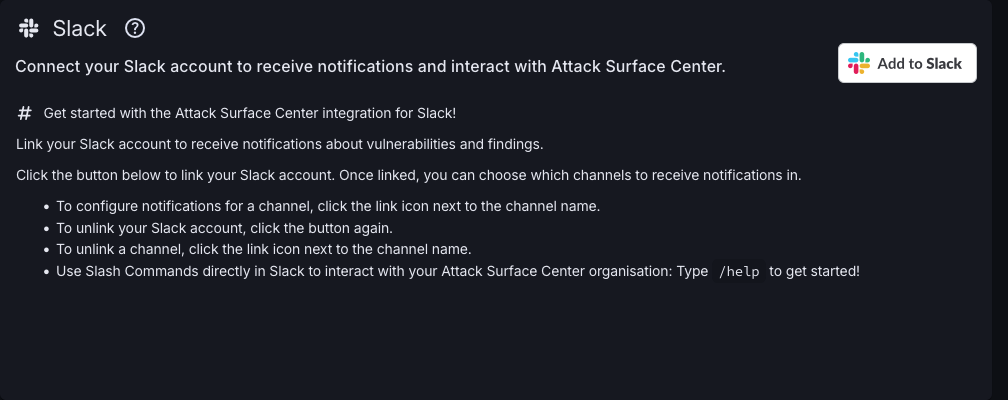
If your team lives in Slack, bring the Attack Surface Center to where they already work. Configure notifications for the events that matter: scan completions, new vulnerability findings, task assignments, report generation are delivered directly to the right channels.
- Channel-based notifications: Route notifications to specific Slack channels based on event type: security alerts to one channel, task updates to another.
- Easy setup: Link channels with the /link_channel command directly from Slack. No complex webhook configuration required.
- Interactive commands: Run commands to query the Attack Surface Center directly from Slack. Useful for quick lookups without switching context.
- Configurable events: Choose which events trigger notifications: report completion, scan updates, task assignments, new critical vulnerabilities, and more.
Coming soon
We’re continuously expanding our integration ecosystem. Here’s what’s on the roadmap.
Jira
Link vulnerabilities and tasks to Jira issues for seamless tracking with your development team's existing workflow.
Azure
Pull cloud assets from your Azure environments directly into the Attack Surface Center for unified multi-cloud visibility.
Google Cloud Platform
Automatically import GCP resources to centralise your cloud asset inventory across AWS, Azure, and GCP.
DigitalOcean
Sync Droplets and other DigitalOcean resources to keep your full cloud footprint represented in your inventory.
Public API
Access your Attack Surface Center data programmatically to build custom integrations with your own tools and workflows.
Connect your security stack
Sign up and start pulling your cloud, code, and communication tools into one unified attack surface view.
Common questions
Slack is available from Standard plans. AWS, GitHub, and Cloudflare integrations are available on Advanced plans and above. See the pricing page for a full feature comparison.
The AWS integration uses role-based access control and requires only read-only permissions. It never writes to your AWS environment. You configure the role with the minimum permissions needed to read the resource types you want to import.
Yes. You can configure multiple AWS accounts and regions within a single Attack Surface Center organisation, giving you centralised visibility across your entire cloud estate.
The repository asset import works with any GitHub account. Alert synchronisation (Dependabot and GHAS findings) requires the respective GitHub features to be enabled on your repositories.
A public API is on the roadmap, which will allow you to build custom integrations with your own tools and workflows. Sign up to stay updated on when this becomes available.