Features
Penetration Test Reporting Platform
In cybersecurity, effective communication is key. Penetration test reports shouldn't take days to compile, so let us do the work for you. Create bespoke penetration testing reports directly from your vulnerabilities, findings, and assets.
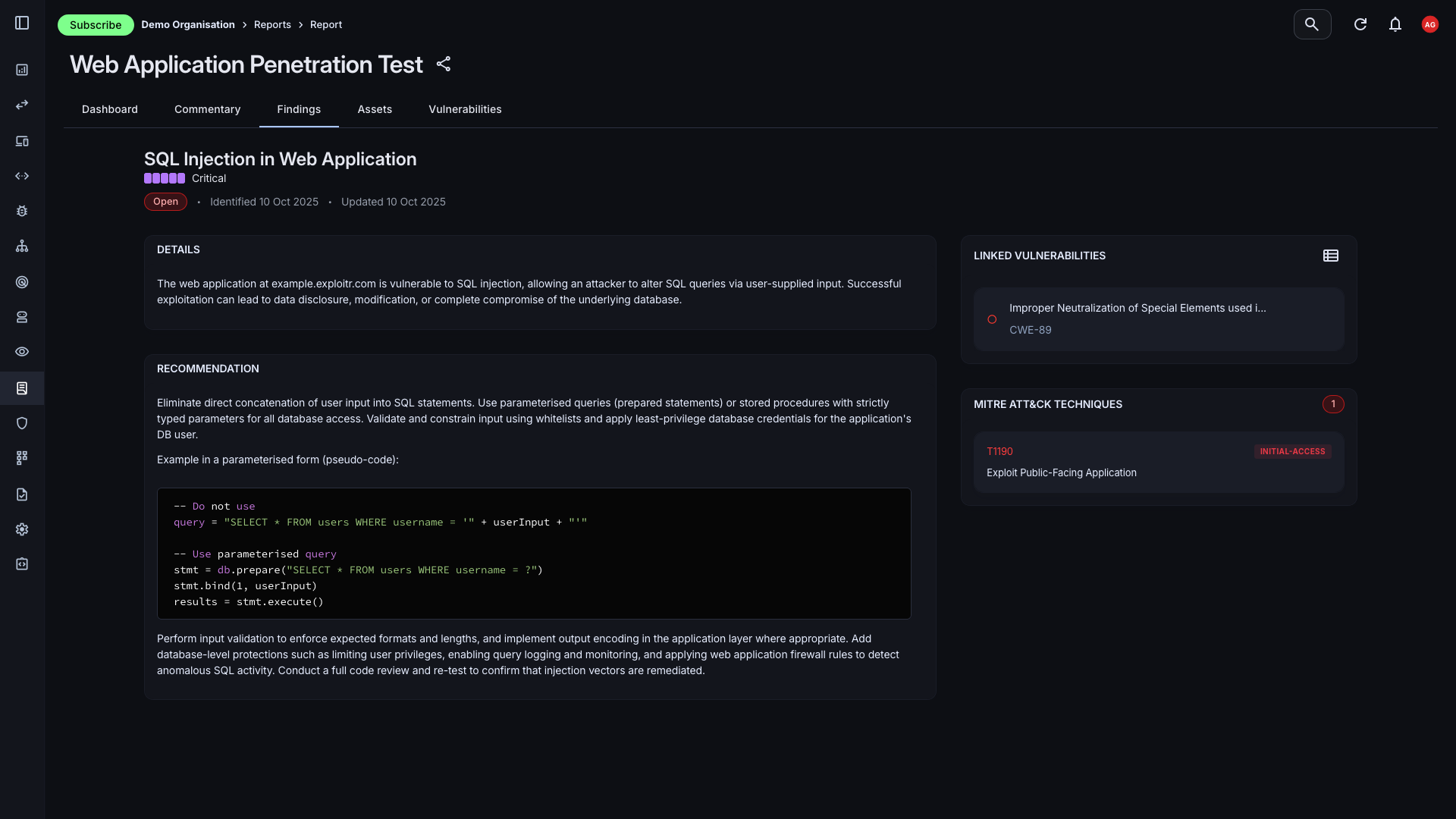
Key Reporting Features
Our pentest reporting platform offers a range of features designed to streamline your reporting process and enhance your ability to communicate security findings effectively.
AI-Powered Creation
Use AI to assist in creating reports, which will create and group findings and your report commentary all-in-one.
Customisable Reports
Tailor your reports to meet the specific needs of your audience, whether it's for internal teams, stakeholders, or compliance purposes.
Quick Creation
Easily add assets to your reports, providing context and clarity around the vulnerabilities and findings.
Automated Vulnerabilities
Automatically include the vulnerabilities discovered during your penetration tests, ensuring that your reports are always up-to-date and accurate.
Version Control
Keep track of changes to your reports with version control, allowing you to maintain a history of edits and updates over time.
PDF Export
Export your reports in PDF format for easy sharing and distribution among stakeholders.
Create Tailored Reports with Ease
Creating a report in the Attack Surface Center is straightforward, providing a clear point-in-time snapshot of your security posture. You can easily select the assets, vulnerabilities, and findings you want to include in the report.
- Asset Selection: Add assets from your existing inventory or manually create new ones to include in the report.
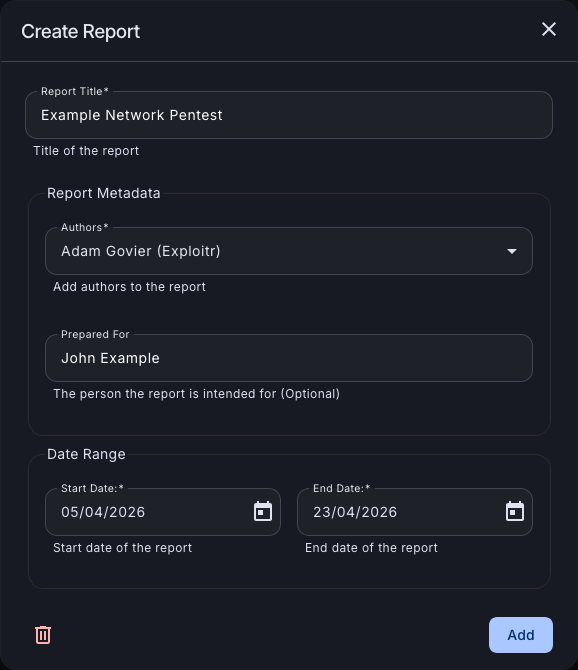
- Quick Start: Simply enter the basic details of the report, such as the title, author(s), and date range to get started.
Seamless Integration with Asset Management
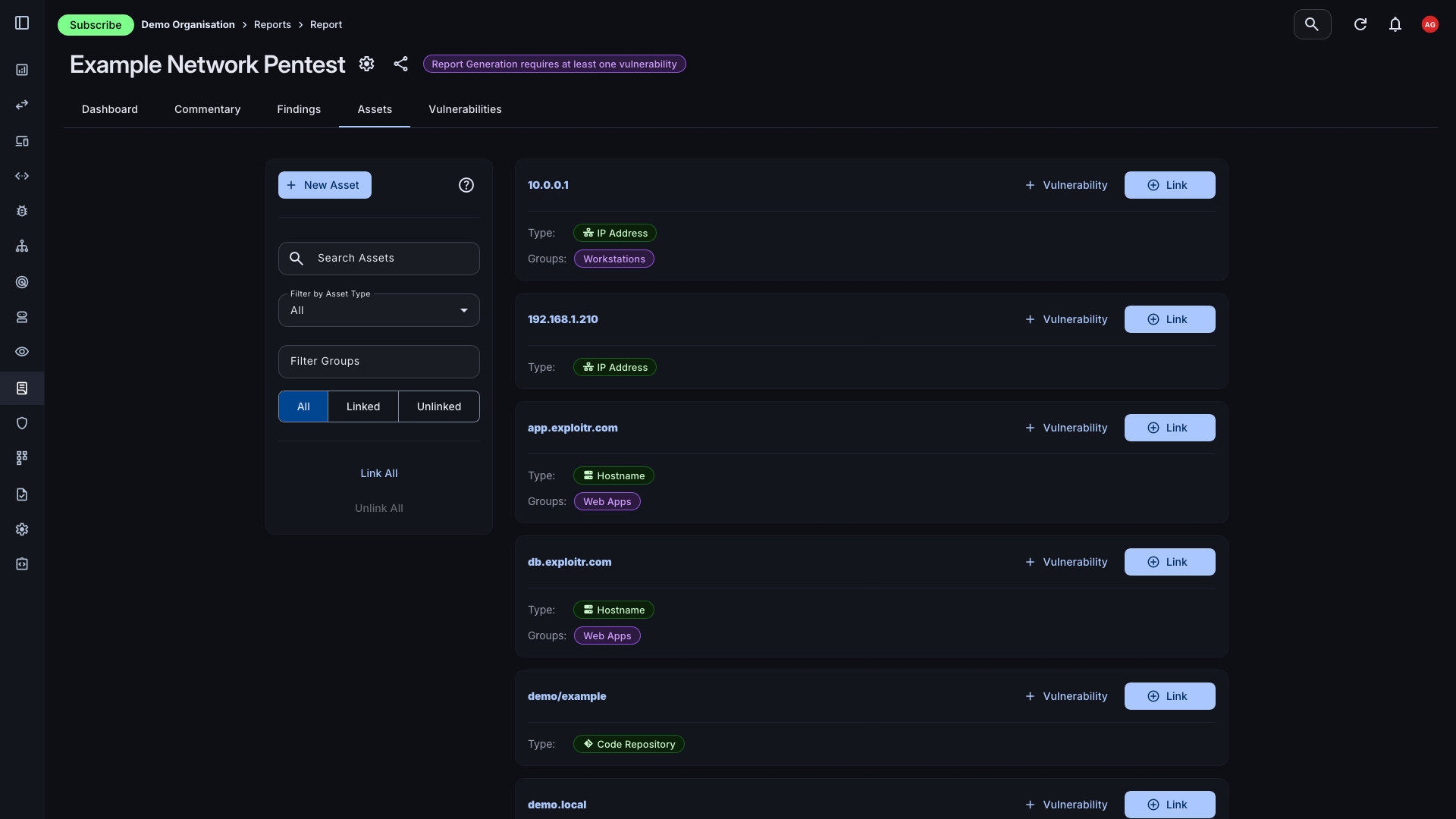
Linking assets to your report automatically includes all associated vulnerabilities, providing instant content for your report. This feature speeds up your ability to turn around reports and ensures that all relevant information is captured.
- Automatic Vulnerability Inclusion: When you link an asset, all vulnerabilities associated with that asset are automatically included in the report, saving you time and effort.
- Add Additional Assets: If you need to include assets that are not already in your inventory, you can easily create them manually during the report creation process.
- Quickly Filter and Sort: Use the filtering and sorting options to quickly find the assets you want to include in your report, ensuring that you capture all relevant information.
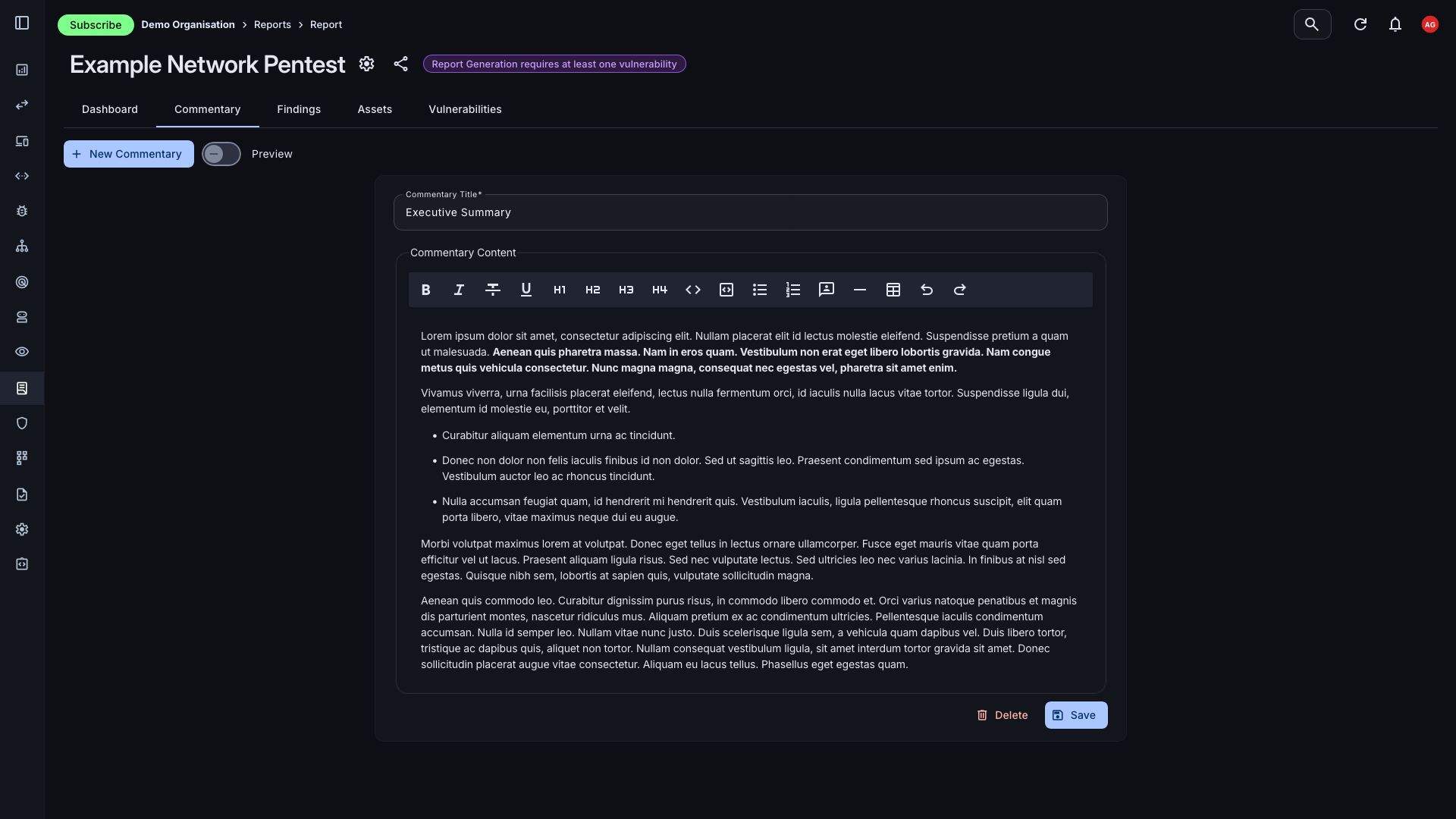
Customise Your Report
You can customise the report by adding commentary sections, such as an executive summary, methodology, or any other context you need to provide.
- Rich Text Commentary: Add rich text commentary to your report, providing context and insights into the vulnerabilities and findings included in the report.
- Custom Pentest Findings: Create custom findings to include in your report, allowing you to highlight specific issues or provide additional information that may not be captured by the automated vulnerability data.
- Version Control: Keep track of changes to your report with version control, allowing you to maintain a history of edits and updates over time.
Generate a Report with AI
Use AI to assist in creating your report, which will create and group findings and your report commentary all-in-one. This feature helps you quickly generate comprehensive reports that effectively communicate your security posture and findings.
- AI Assistance: Leverage AI to help generate your report, which can assist in grouping findings and creating commentary, making the report creation process faster and more efficient.
- Detailed Reporting: With AI assistance, you can quickly generate detailed reports that provide a comprehensive overview of your security posture, including insights and recommendations based on the vulnerabilities and findings included in the report.
- Optional Feature: AI assistance is an optional feature that you can choose to use during the report creation process, giving you the flexibility to create reports in a way that best suits your needs and preferences.
Ready to Streamline Your Penetration Test Reporting?
With a range of features designed to make your reporting process easier and more efficient, the Attack Surface Center's pentest reporting platform is the perfect solution for security teams looking to enhance their communication and reporting capabilities.