Solutions
Attack Surface Management for Developers & Engineering Teams
Developers and engineers build and deploy the systems that face the internet. Attack Surface Center helps you understand what you're exposing, find vulnerabilities in the context of real assets, and work through security findings without losing your engineering workflow.
Security context for the teams building the attack surface
Engineering teams often have no visibility into what their deployments look like from the outside. Ports left open, staging environments exposed to the internet, subdomains pointing to decommissioned infrastructure - these are engineering problems that need engineering context to resolve.
External footprint visibility
See exactly what your applications and infrastructure expose to the internet - open ports, running services, subdomains, and associated assets - from the perspective of an external observer.
Findings with full context
Vulnerabilities are associated with specific assets, services, and ports. You get the context you need to understand and reproduce a finding, not just a CVSS score.
GitHub integration
Import repositories as assets to track the security posture of your codebase alongside your infrastructure. Keep your engineering and security inventories aligned.
Developer-friendly workflows
Assign findings to engineers, track remediation status, and add technical commentary - without routing everything through a separate security team workflow.
Scan what you build, not just what you know about
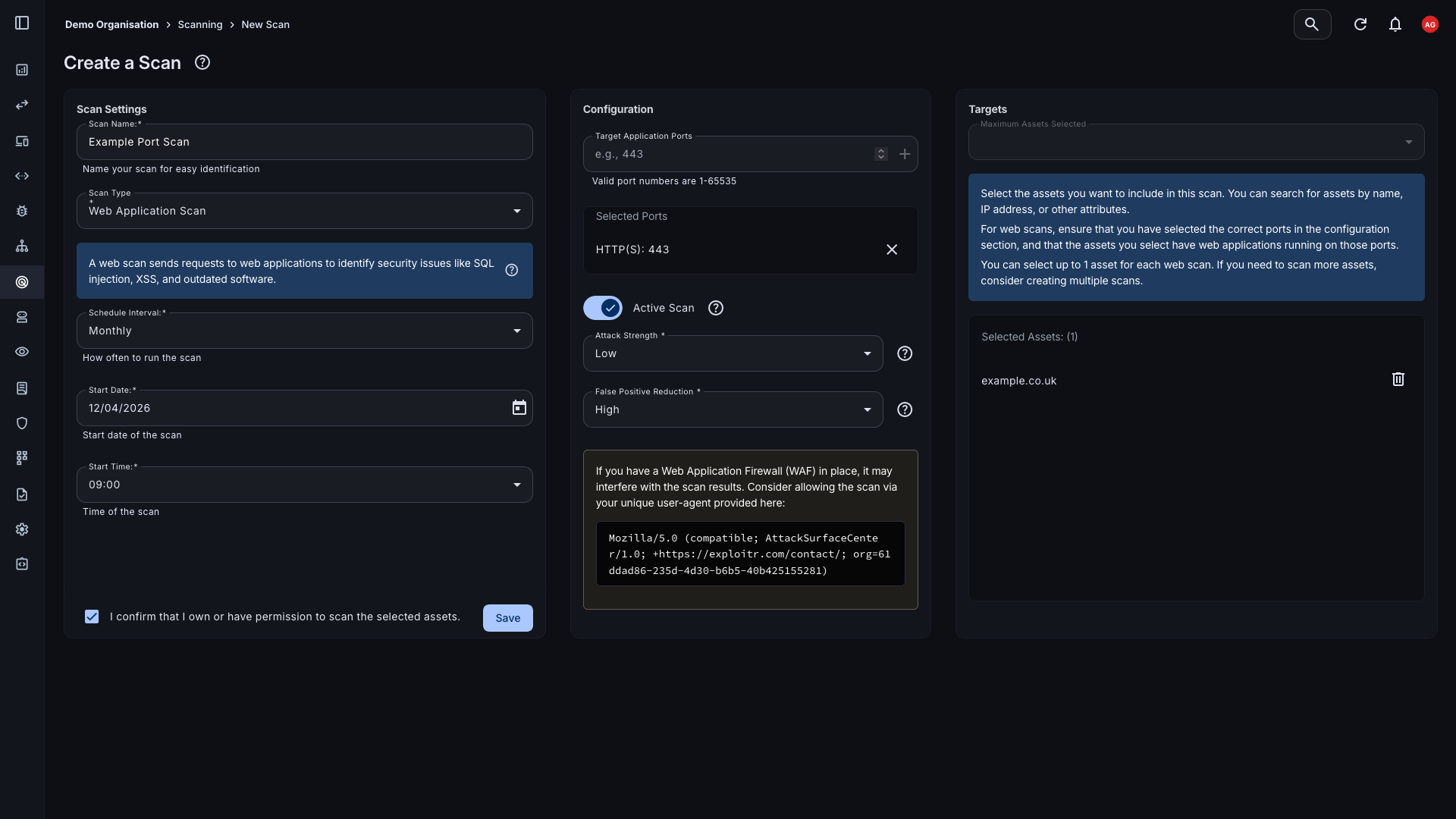
Web application scanning probes your applications for common vulnerabilities including injection flaws, authentication weaknesses, and misconfigurations. Port scanning maps open services across your infrastructure. Both feed results directly into a manageable vulnerability list, linked to the assets they affect.
- Web application scanning: OWASP-aligned scanning for injection, authentication, and configuration vulnerabilities across your web applications and APIs.
- Port scanning: Map open ports and running services across your infrastructure to identify unexpected exposure and insecure service configurations.
- On-demand and scheduled: Trigger scans immediately after deployments or run them on a schedule to catch regressions and new exposures as your infrastructure changes.
Connect your engineering stack
Attack Surface Center integrates with the platforms and tools your engineering team already uses, pulling asset data where it lives and surfacing security findings in the right context.
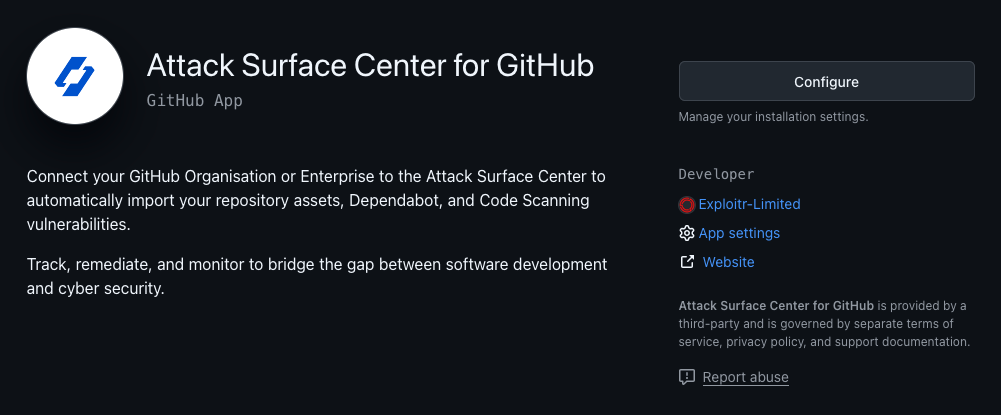
- GitHub: Import repositories as assets to maintain visibility of your codebase alongside your infrastructure. Track findings associated with specific repositories.
- AWS: Pull EC2 instances, S3 buckets, and other cloud resources directly into your asset inventory and keep them synchronised as your cloud environment changes.
- Cloudflare: Import DNS zones and records to surface all externally exposed hostnames managed through Cloudflare, including those created as part of new deployments.
Find what got deployed and forgotten
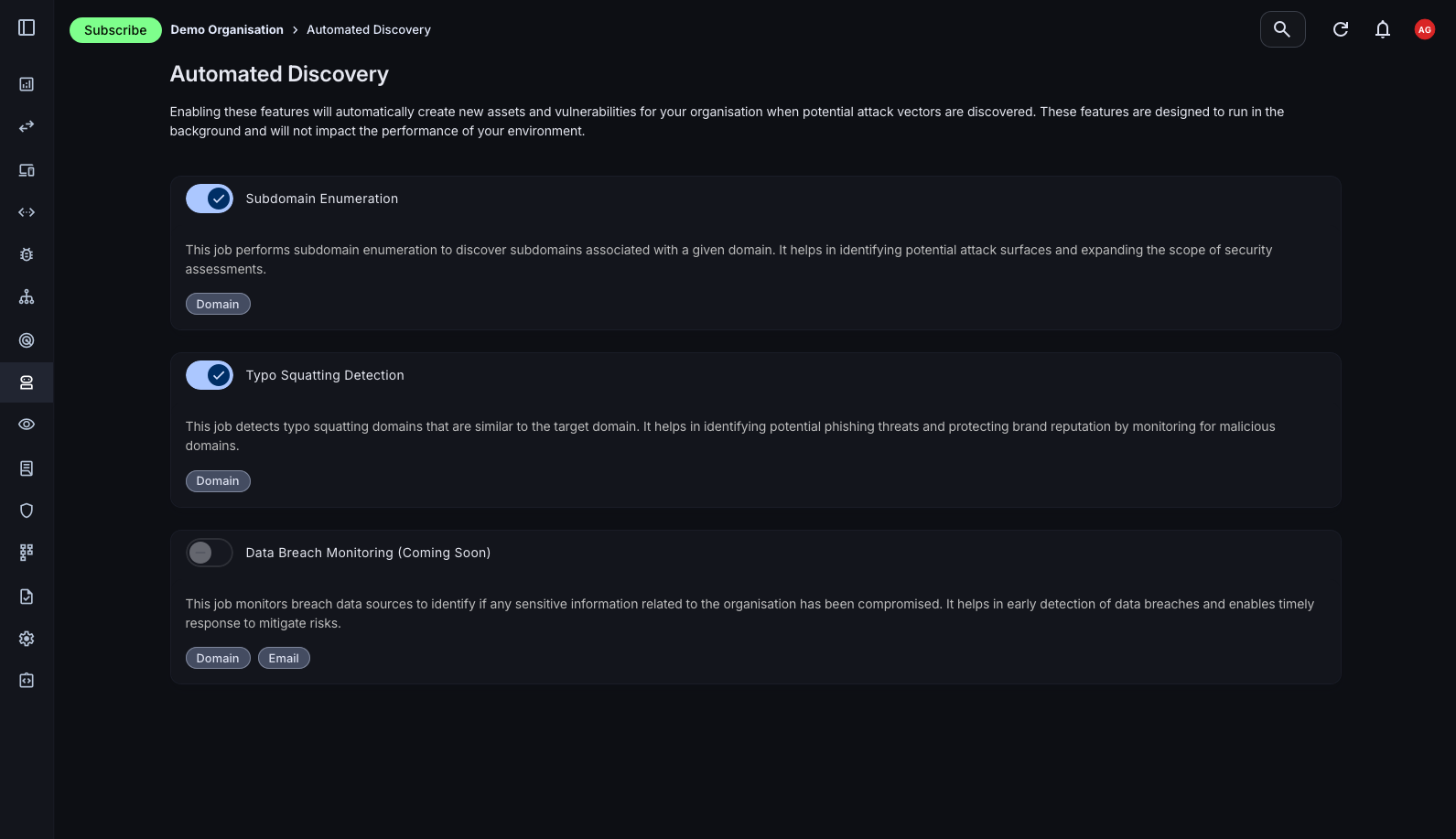
Engineering teams move fast. Staging environments get left running, subdomains accumulate, and development infrastructure stays publicly accessible long after it's needed. Automated discovery surfaces these without requiring anyone to remember to look.
- Subdomain enumeration: Continuously surface subdomains associated with your domains, including development, staging, and preview environments that were never formally decommissioned.
- Certificate transparency monitoring: New TLS certificates surface new deployments the moment they're issued - often before the security team knows they exist.
- Shadow IT detection: Resources created outside your normal infrastructure process are surfaced automatically and added to your inventory for review.
The full platform, built around your assets
Everything connects. Asset management, scanning, vulnerability tracking, and integrations work together so your security picture stays current as your engineering work evolves.
Asset Management
A living inventory of everything you've built and deployed, kept current through automated discovery and integrations.
Learn moreVulnerability Scanning
Port and web app scans that surface findings in the context of the assets they affect, ready to triage immediately.
Learn moreAutomated Discovery
Passive reconnaissance that finds what's been deployed and forgotten without touching your infrastructure.
Learn moreAttack Surface Map
A visual map of your assets and their relationships, so you can see your external footprint as a connected picture rather than a list.
Learn moreIntegrations
Connect GitHub, AWS, Cloudflare, and Slack to keep your asset inventory current and your team informed.
Learn moreTask Management
Turn security findings into tracked tasks with owners and deadlines - without leaving the platform.
Learn moreSee your infrastructure the way an attacker does
Sign up free. Verify your domain and get your first scan running in minutes.
Common questions
No. The platform is designed to be usable by technical teams without a dedicated security function. Engineers can run scans, review findings, and track remediation directly. If you do have a security team, the platform supports collaborative workflows between security and engineering.
Web application scanning sends automated requests to your web applications to identify common vulnerability classes including injection flaws, authentication weaknesses, cross-site scripting, and security misconfigurations. Scans are configured with a target URL and run on demand or on a schedule.
Web application and port scanning does send traffic to your services. We recommend scanning staging environments first if you have concerns about production impact, or running scans during low-traffic periods. Automated discovery, by contrast, is entirely passive and has no operational impact.
Yes. You can add any externally accessible hostname as an asset and scan it. Many teams use the platform to maintain visibility of development and staging environments alongside production, which is where unexpected exposure is most common.
The GitHub integration imports your repositories as assets into the platform. This gives you a place to track security findings associated with specific codebases alongside your infrastructure assets. Repository assets can be scanned, tagged, and included in reports like any other asset type.