Features
Asset Management
You can't secure what you can't see. Build a centralised, accurate inventory of your organisation's assets. Discovered automatically, imported from your tools, or created manually.
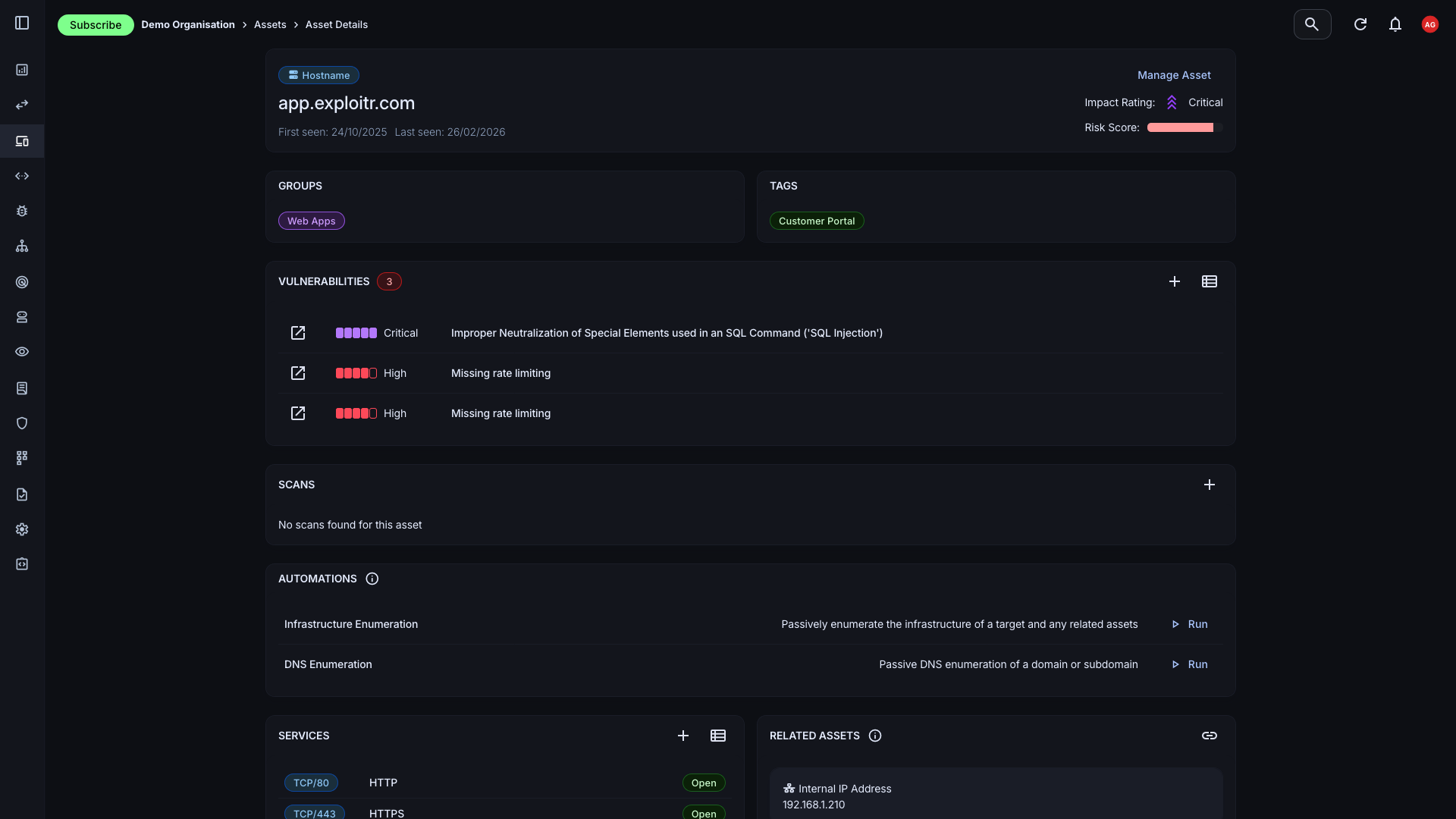
A living inventory of your infrastructure
A static spreadsheet of assets goes stale within days. The Attack Surface Center keeps your asset inventory accurate through automated discovery, third-party integrations, and direct imports so the picture you’re working from reflects reality.
Automated discovery
DNS enumeration, certificate transparency logs, WHOIS lookups, and passive scanning continuously surface new assets associated with your domains.
Third-party imports
Pull assets directly from AWS, GitHub, and Cloudflare, or import from vulnerability scanners and CSV files to consolidate your entire inventory.
Manual creation
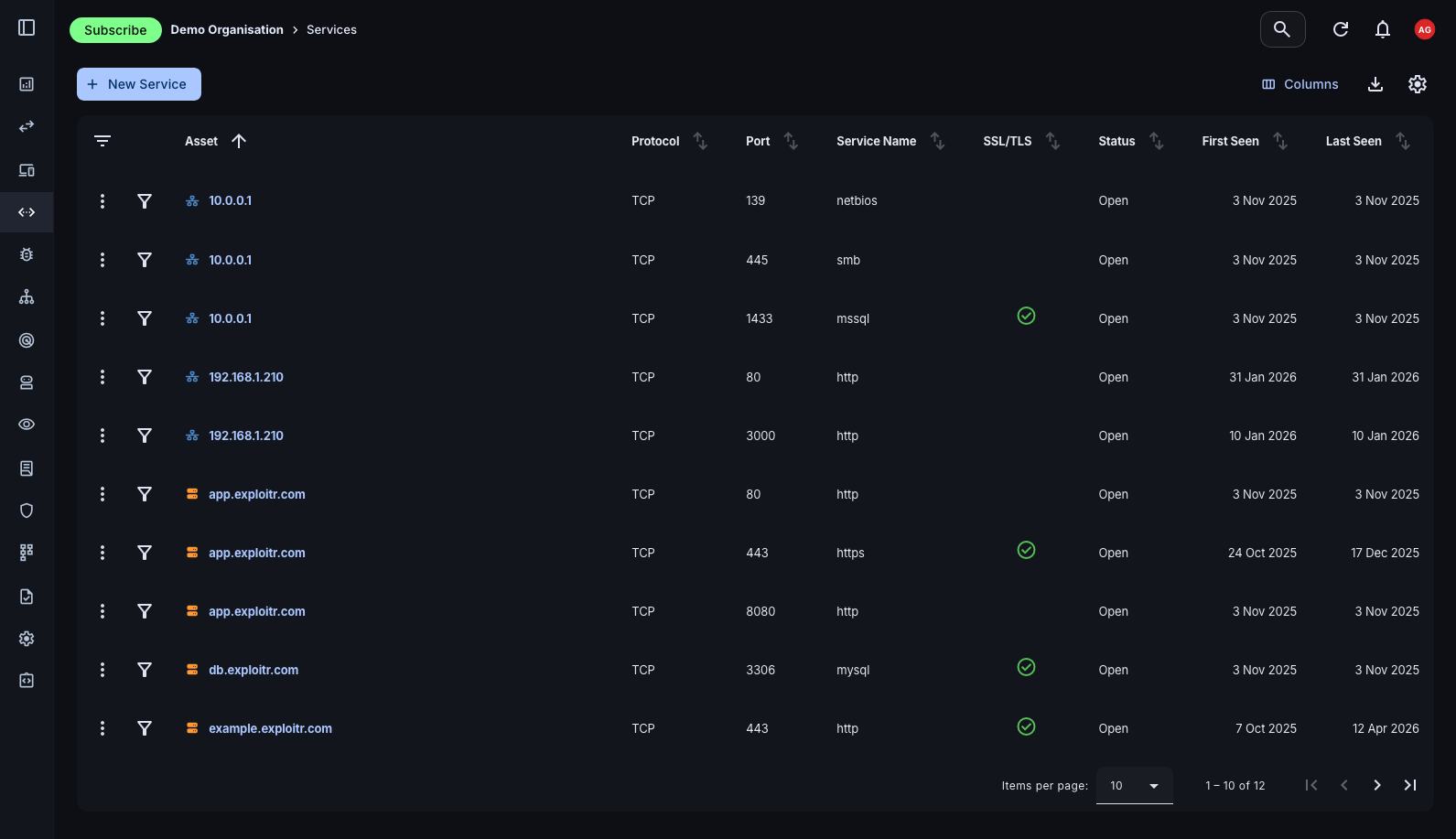
Quickly add any asset type: hostnames, domains, IP addresses, code repositories, and cloud resources with relevant metadata and group assignments.
Risk context
Each asset carries a risk score derived from its associated vulnerabilities, helping you prioritise attention across a large inventory.
Create and Manage Assets
Easily create and manage assets with detailed information about each one: type, group assignment, risk score, and associated vulnerabilities. Whether you're adding a single host or bulk-importing a cloud environment, the process is quick and consistent.
- Multiple asset types: Support for hostnames, domains, IP addresses, cloud resources, applications, email addresses, and user accounts; the full breadth of your external attack surface.
- Group assignment: Organise assets into groups to reflect your team structure, environment segmentation, or business function. Filter and report by group across the platform.
- Bulk operations: Import, update, or tag assets in bulk. Integrations and file imports handle large inventories without manual entry.
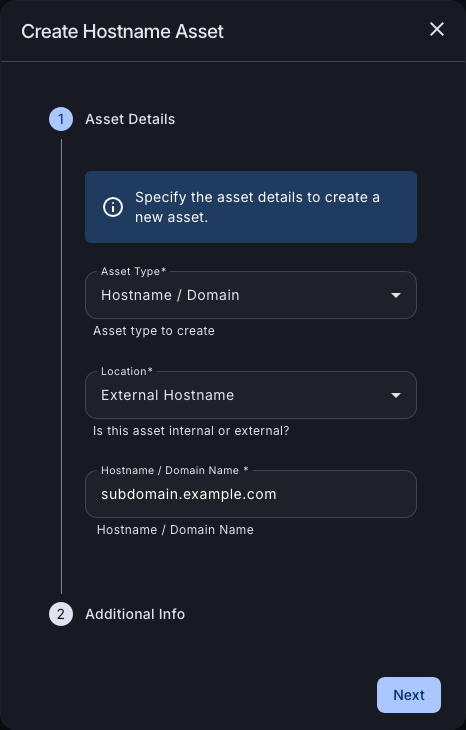
See Assets at a Glance
The Assets page gives you a filterable, sortable view of your entire inventory. Quickly surface high-risk assets, filter by type or group, and drill into individual asset detail without losing context.
- Rich filtering: Filter by asset type, group, risk score, vulnerability status, and more to find exactly what you need across a large inventory.
- Individual asset detail: Click any asset to view its full profile: risk score, associated vulnerabilities, discovered services, group membership, and historical scan data.
- Informed remediation: With risk scores and vulnerability context on every asset, prioritisation becomes data-driven rather than instinct-driven.
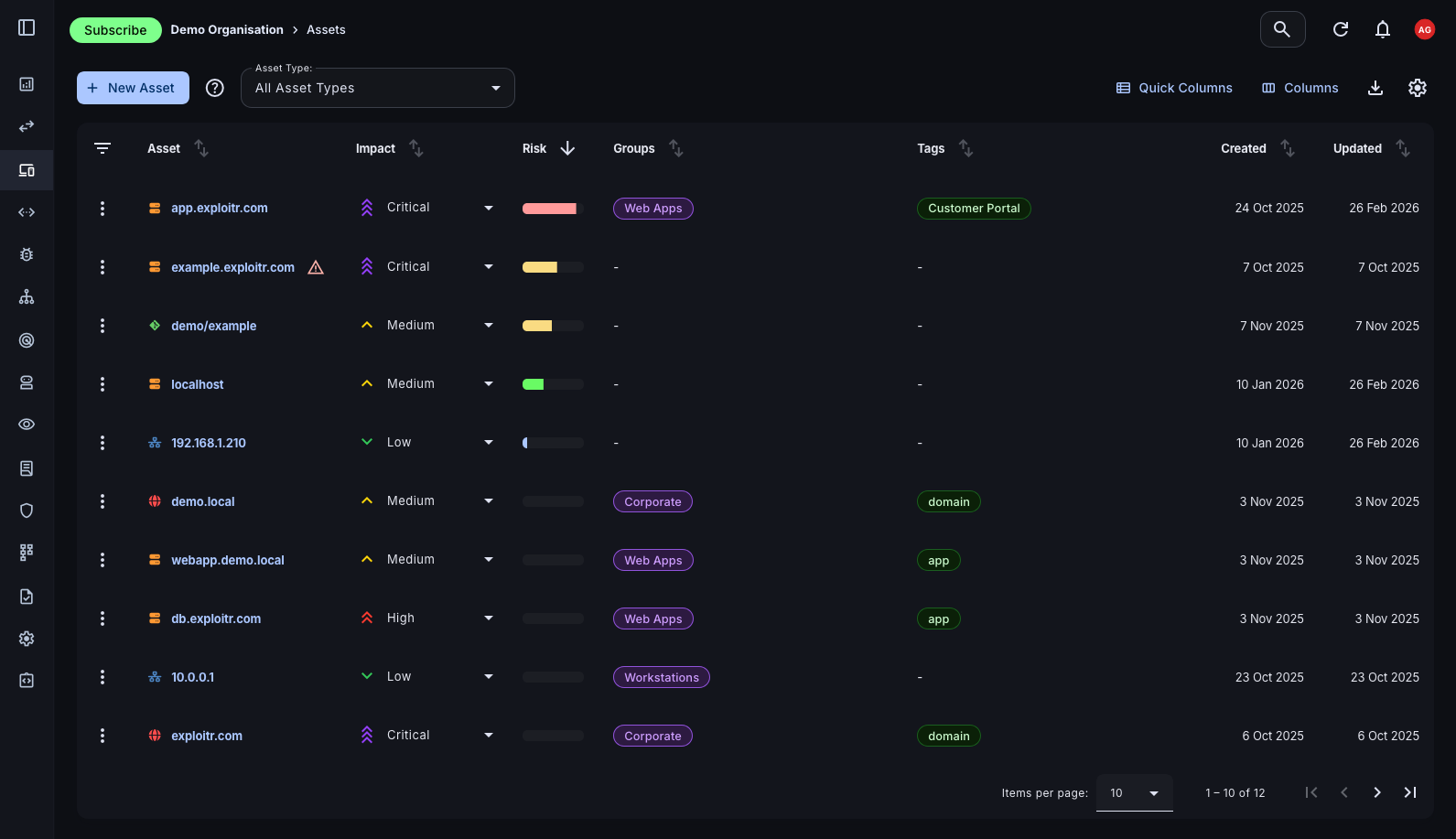
Services Overview
Beyond assets themselves, the platform tracks the services running on them: open ports, protocols, and service versions discovered through scanning. This gives you a complete picture of your attack surface, not just a list of hosts.
- Port and protocol visibility: See exactly which ports are open and which services are running on each asset, updated by each scan cycle.
- Unexpected exposure detection: Services you didn't know were running are often the most dangerous. Continuous scanning surfaces these before attackers do.
- Filter by service: Filter the services view by port number, protocol, or asset to identify patterns of exposure across your environment.
Automated Asset Discovery
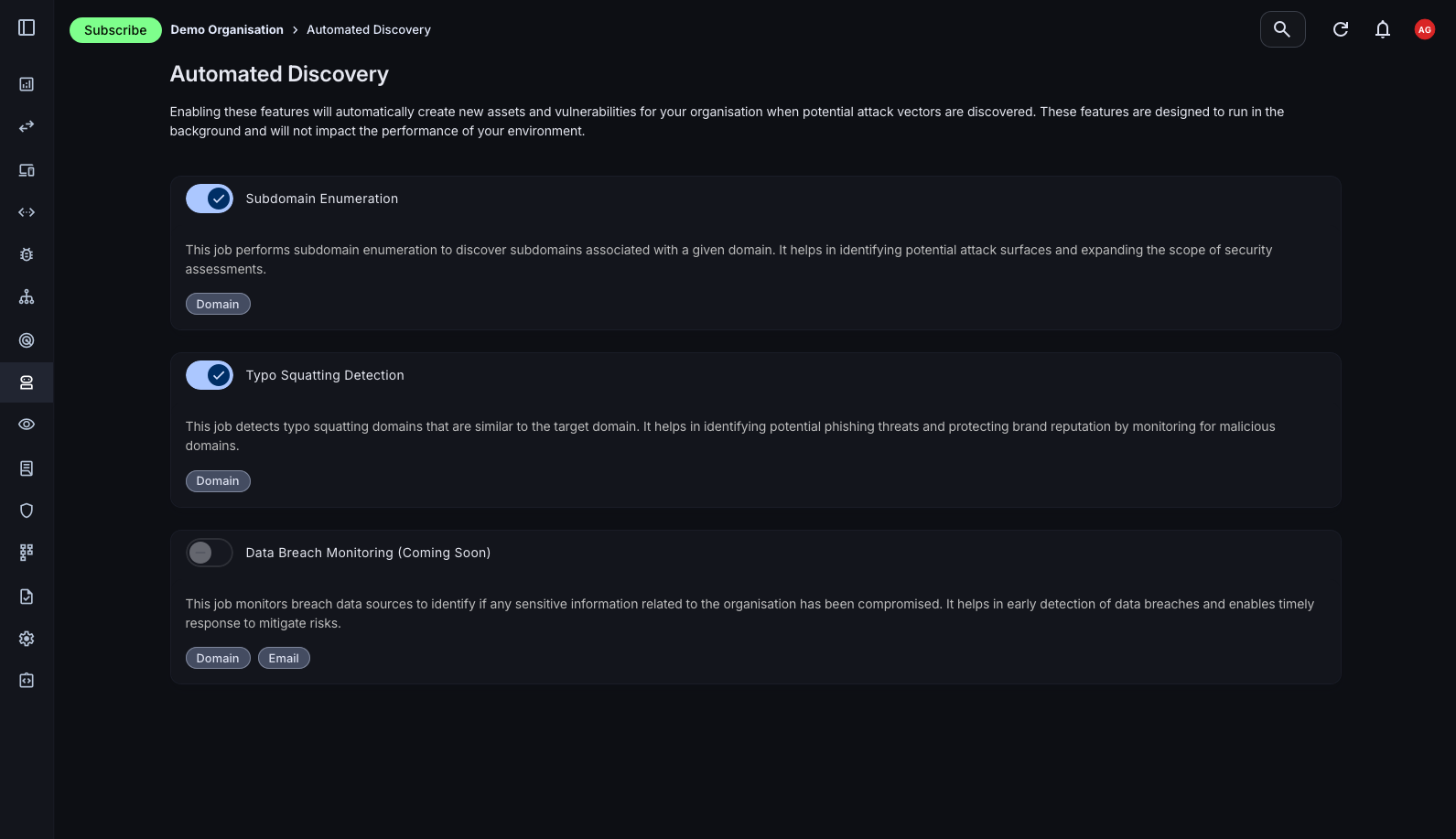
The Attack Surface Center automatically enriches your asset inventory through passive discovery by gathering intelligence from public sources without sending any traffic to your assets. This covers the assets you know about and surfaces the ones you don't.
- Subdomain discovery: Automatically identify subdomains associated with your root domains using enumeration techniques and certificate transparency log analysis.
- IP address enumeration: Discover IP addresses associated with your domains and assets, including those you may not have explicitly inventoried.
- DNS and WHOIS enrichment: Automatically pull DNS records (A, CNAME, MX, TXT) and WHOIS registration data to enrich asset records with contextual information.
- Email security checks: Identify the presence of SPF, DKIM, and DMARC records on your domains. Essential for understanding phishing and spoofing exposure.
- Certificate Transparency: Monitor public certificate issuance logs to surface newly registered assets associated with your domains, often the earliest signal of shadow IT or new deployments.
Build your asset inventory today
Sign up free. Asset management and the Attack Surface Map are available on all plans, including the free tier.
Common questions
The Attack Surface Center supports hostnames, domains, IP addresses, URLs, cloud resources (AWS, Azure, GCP), applications, email addresses, and user accounts. Essentially any component of your external attack surface can be represented as an asset.
Automated discovery runs passively in the background using DNS enumeration, certificate transparency logs, WHOIS lookups, and other intelligence sources. It surfaces assets associated with your verified root domains without sending any traffic to your infrastructure.
Yes. Assets can be imported from vulnerability scanners, third-party integrations (AWS, GitHub, Cloudflare), and custom CSV or file formats. This lets you consolidate your existing inventory into the platform quickly.
A combination of scheduled scanning, automated discovery, and integration polling keeps your inventory current. When new assets are discovered or scan results change service data, asset records are updated automatically.